Calendar Linking in Timekeeper (Rust + Tauri)
On this page
The pain point
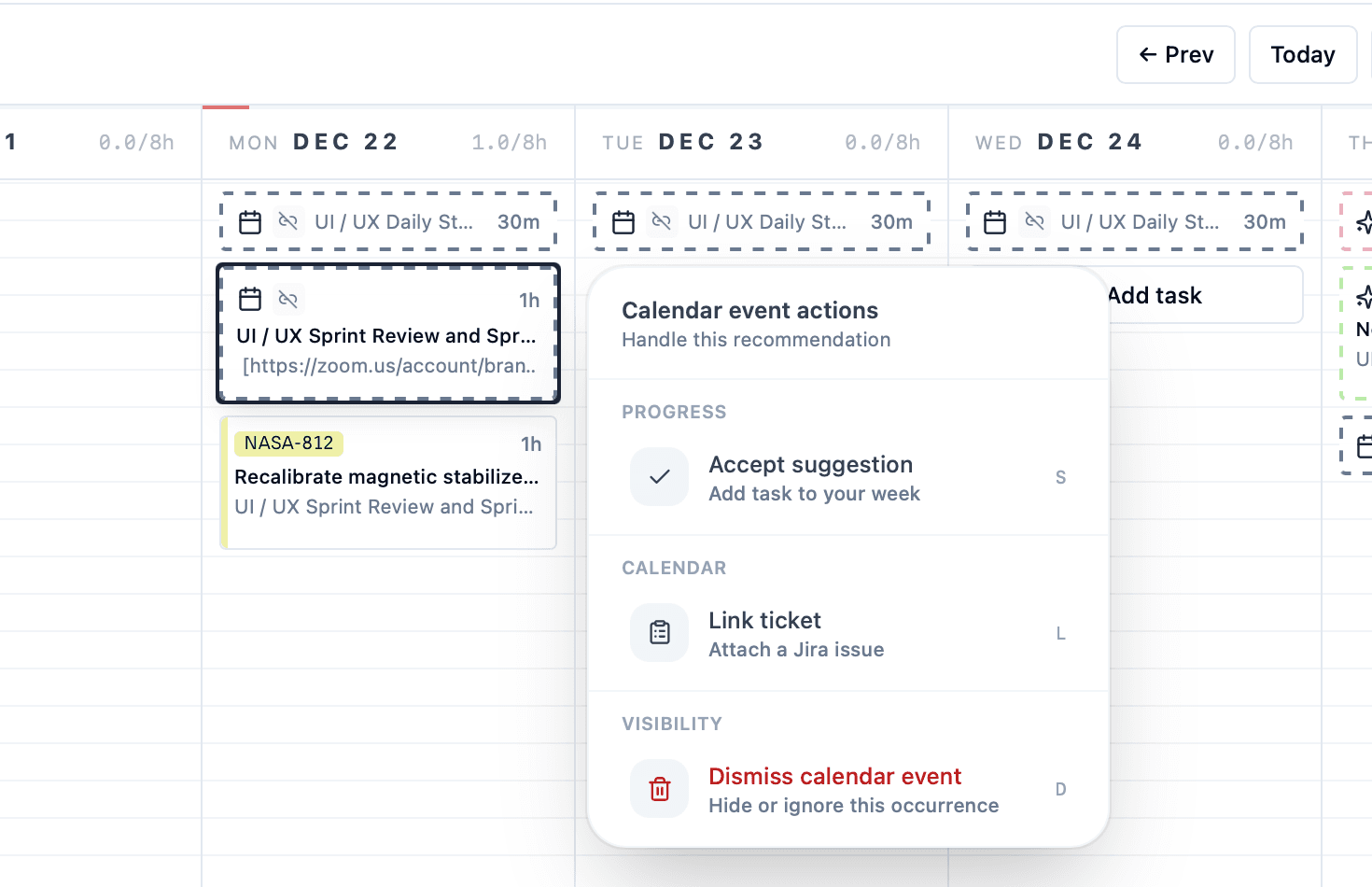
I log time in tiny batches all day. Meetings were the worst part: every calendar event meant a manual entry in the time grid. The goal was simple: show every meeting as a time suggestion so I could log it in one click.
In the last post, I dug into how Timekeeper stays fast with optimistic UI updates: Optimistic UI Updates for near instant feedback.
To do that on macOS, I needed EventKit access from a Rust + Tauri app. The UI was ready. The blocker was permissions.
The unexpected snag
EventKit is straightforward once you have access, but macOS will not show the permission dialog unless you explicitly request access. Just checking the authorization status is read-only and never triggers the system prompt.
I tried to keep everything in Rust, but the permission API requires a completion block, and the block-bridging story was messy. I wanted the smallest, most reliable path.
The fix: a tiny Objective-C helper
I added a tiny Objective-C file that does one job: call requestAccessToEntityType:completion:. It runs on the main thread and ignores the completion handler because Rust just polls the status.
That helper is compiled during build.rs and linked into the Rust binary. The Rust side stays clean and just calls an FFI function when it needs to prompt.
The flow in Rust looks like this:
// If status is NotDetermined, trigger the dialog and poll for a response.
if status == NotDetermined {
    request_calendar_access();
    poll_authorization_status();
}
The plumbing that made it real
- Build step:
build.rscompilesCalendarPermissionHelper.mwithclangand links EventKit + Foundation. - Info.plist: I added
NSCalendarsUsageDescriptionandNSCalendarsFullAccessUsageDescriptionso the dialog shows the right copy. - Tauri commands: I split read-only checks (
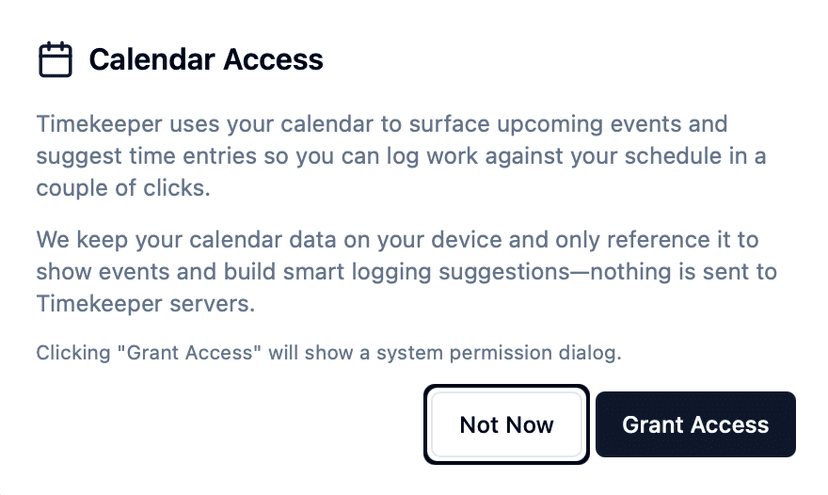
check_calendar_permission_status) from the prompt (request_calendar_permission) so the UI can decide when to show the system dialog.
One dev-mode gotcha
In dev mode, the permission prompt attaches to the terminal process (because the Tauri app is spawned from it). In production builds, the dialog correctly shows the Timekeeper app name. That was surprising at first, but expected once I understood how macOS scopes permissions.
The payoff
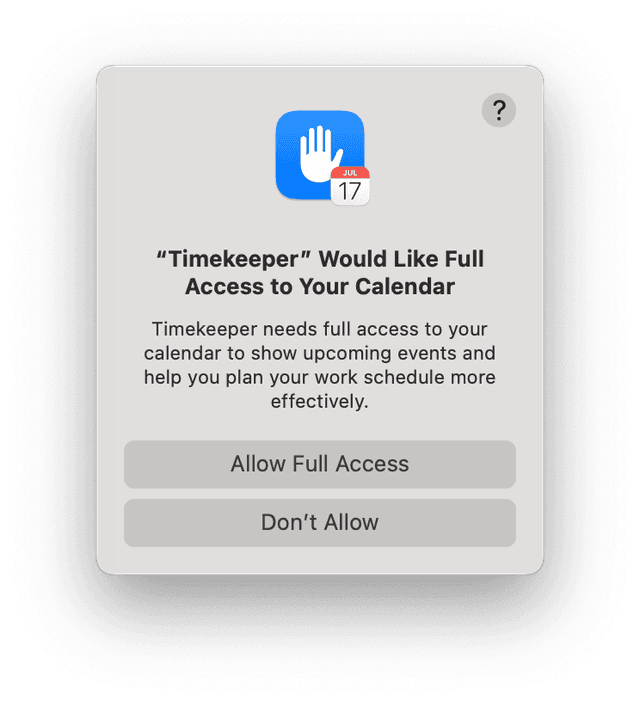
With the permission dialog working, EventKit events load instantly and show up as time suggestions. Now meetings turn into entries with a single click, which was the entire reason I built this integration in the first place.
Next up: extending the same one-click workflow to recurring tasks and Slack syncs, but that is a story for another dev log.